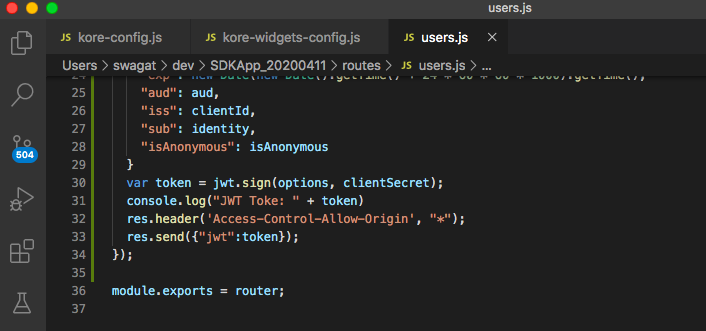
Dear All,
Just to add to the above topic, to avoid some security issues, our UI team advises that the web-sdk is used from within the SDK App (refer to step 9).
The above post also works fine if you use SDKApp as ONLY JWT generator and serve the index page from a server of your choice. This is just a suggestion that web-sdk contents are served from within SDKApp. This technique also helps you scale based on volume of incoming traffic because you will not have to maintain a separate service and infrastructure for JWT.
Unzip the content of the web-sdk (Step 8) into “sdk” directory of SDKApp.
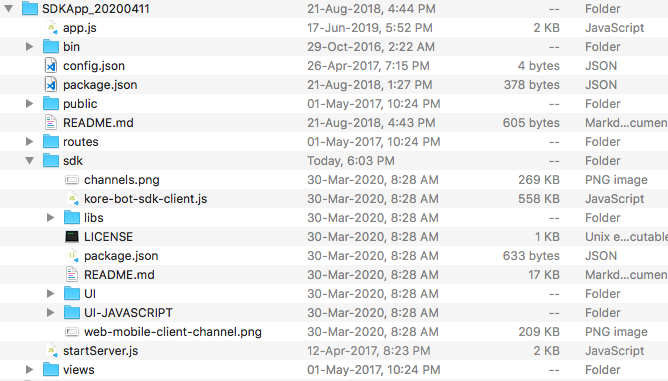
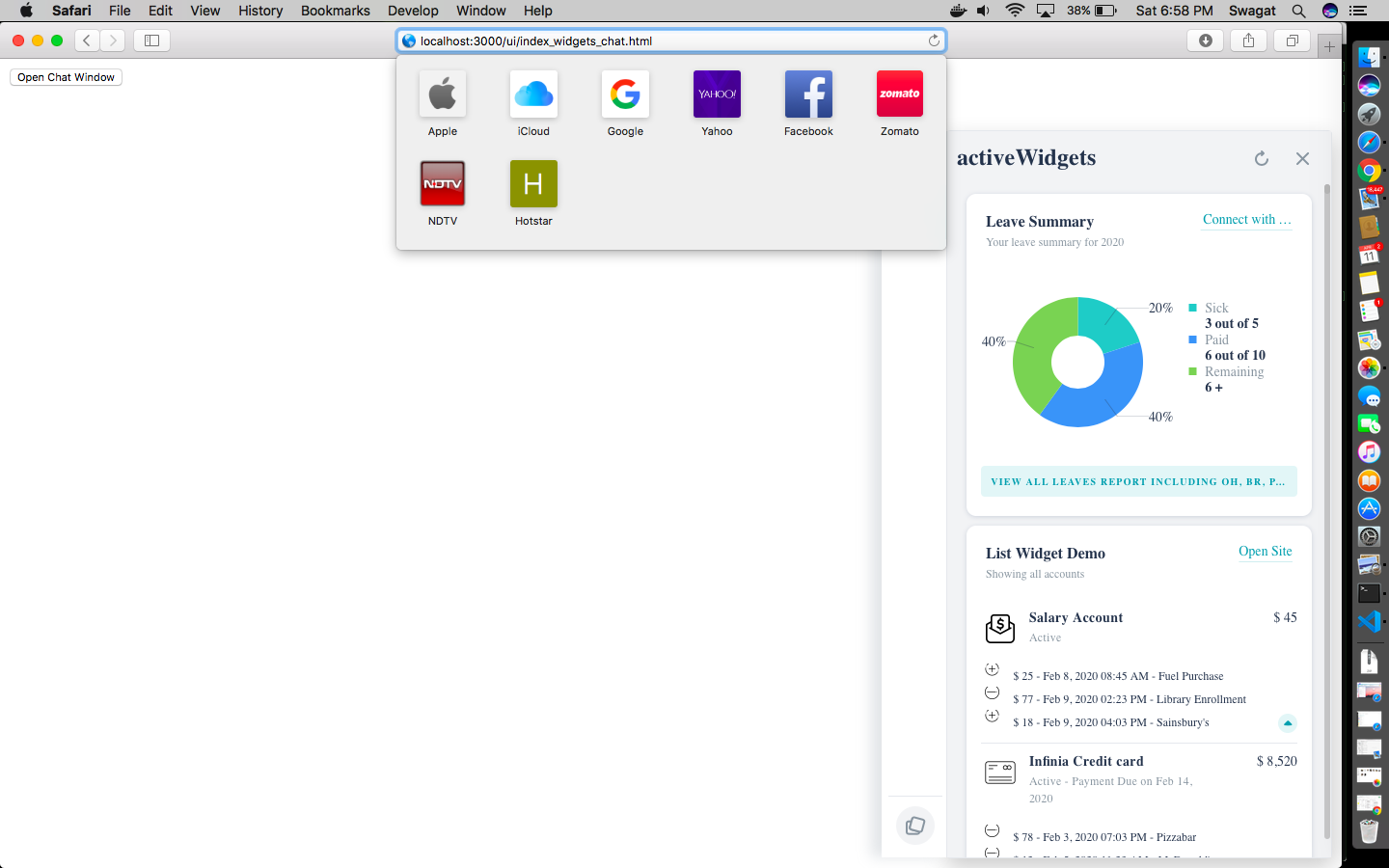
Now you can serve the any page (index*.html) from the local service.
http://localhost:3000/UI/index_widgets_chat.html
Just re-iterating, In case anyone gets CORS error, you will need to pass allow access control origin in JWT header. Line 32 is what you need to add in SDKApp.